WEB BUILDER / PAGE OPENINGS
Six ways a page can open.
The opening block has three layouts (standard, full width and cinematic) and three optional movements for the cinematic one. Six combinations are shown below with sample text. Each works with the keyboard, stops moving when reduced motion is turned on and takes the brand's colours.
Example 1: standard, the default
STANDARD
Standard opening with an easy-to-read text column.
The default opening: text first, in a column that is easy to read, with optional buttons. Most pages need no image here; a cover image can go in a band just below.
Example 2: full width
FULL WIDTH
Full-width opening, centred.
When a page needs more room, such as a landing page or a marketing page, the full-width opening spans the wide page column and centres both the heading and the buttons.
Example 3: cinematic, slow zoom
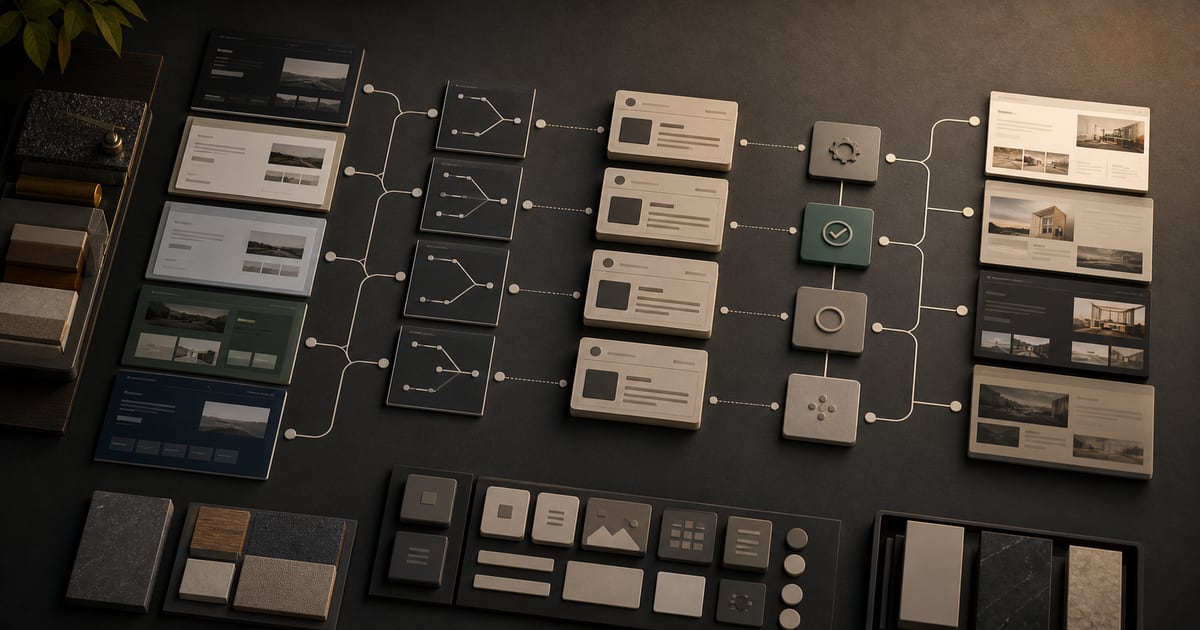
CINEMATIC + SLOW ZOOM
Full-width background image with a slow zoom and pan.
A background image with a colour layer over it. When reduced motion is turned on, the movement stops and the image stays.
Example 4: cinematic, scrolling background
CINEMATIC + SCROLL
The background moves slightly as the page scrolls.
The same cinematic opening, with a background that follows the scroll. Browsers that cannot do this show the image still.
Example 5: cinematic, shifting colour
CINEMATIC + SHIFTING COLOUR
The colour over the image shifts slowly.
The colour layer moves slowly between two brand colours; the heading stays the focus.
Example 6: standard, soft shapes
MORE EXAMPLES
Five more example pages.
← Templates · Explanation blocks · Marketing blocks · Reading a guide · Movement