SERVICE / AUTOMATION

Automation for repeated work that still needs clear ownership.

Start here when repeated work is visible but ownership, exception behavior and readback are not explicit enough yet. The route is designed before the tool is chosen.

AUTOMATION ROUTE

Automation only earns its place after the route is clear.

Real automation pressure usually starts as a workflow people already run by hand. These are representative composite examples, not real clients.

Composite scenario

Repeated handoff between three tools

Signal
Order from Shopify → ticket in Notion → notification in Slack → spreadsheet for finance. Someone does this 40 times a week.
Pressure
The team is fast but expensive. The handoff is mechanical, yet humans are doing it.
Route
Workflow contract first, then automation. Trigger, exception path and owner before the tool gets chosen.
Talk about the system

Representative pattern

Exception cases swallow the day

Signal
The team can handle the standard flow. The exceptions — refunds, custom orders, escalations — eat hours every week.
Pressure
Automation that tries to handle 100% of cases breaks. The right cut is the routine 80%, with exceptions routed to humans.
Route
Automate the routine path, surface the exceptions, name the human owner.
Talk about the system

Operator pattern

Tool stack drift

Signal
Each team picked a tool. Now nothing talks to anything else and the workarounds become the operating layer.
Pressure
The first move is rarely adding another tool. It is making the existing stack readable.
Route
Integration contract before automation contract. The stack decision follows the workflow.
See how we work

Representative scenarios describe common operating patterns. They are not testimonials, named client proof or guaranteed outcomes.

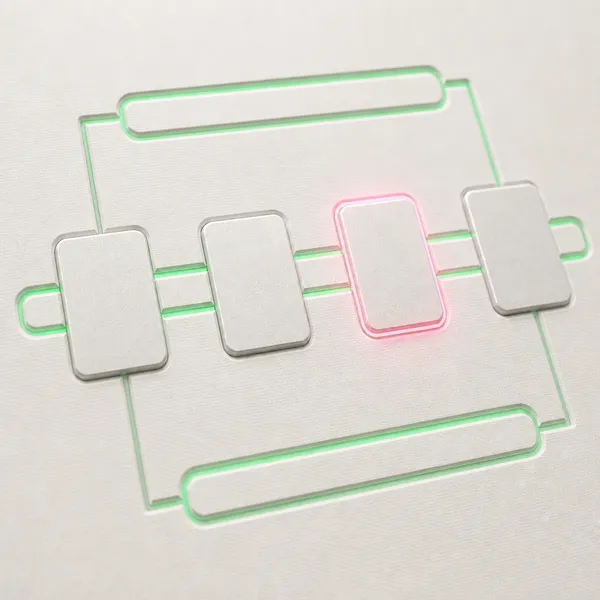
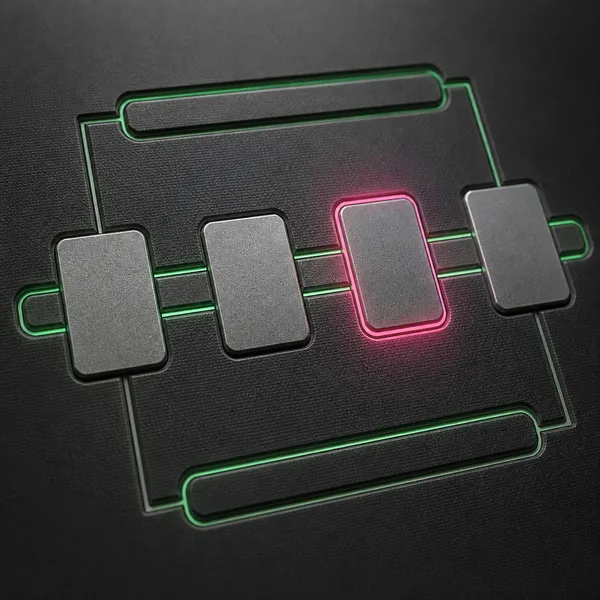
VISUAL OPERATIVO

La automatizaci?n funciona como relevo controlado, no como atajo oculto.

Cada traspaso conserva checkpoint, excepci?n y readback para que el workflow no avance sin una ruta visible.

  • Handoff visible.
  • Readback despu?s de aplicar.
Relay de automatizaci?n con cuatro bloques y un checkpoint activo

PATTERN-LED ROUTE

Workflow knowledge becomes a controlled system.

The page starts from real operating knowledge, selects the applicable pattern, then makes the adapted system and readback explicit.

Input source

Existing workflow knowledge

Repeated tasks, exceptions, approvals and handoffs are surfaced before any model or tool is chosen.

Pattern required

Gate and exception pattern

The build defines what can move automatically, what needs review and what evidence remains.

Output readback

Adapted operating loop

The result is a workflow the team can inspect, correct and own after delivery.

AUTOMATION SURFACES

The first automation should be narrow enough to trust.

The useful question is not what can be automated. It is which repeated step can be routed, checked, and handed over without creating hidden work somewhere else.

Inbox and request flows

Turn repeated messages, forms, files, or orders into clear queues with the right owner and the fields actually needed to move the work forward.

Status and exception checks

Flag missing data, blocked tasks, wrong statuses, late handovers, or cases that need human review. Exceptions surface — they do not disappear.

Reports and handovers

Send the right summary to the right place. Leave logs that make the workflow easy to audit and easy to operate after delivery.

AUTOMATION GATE

La automatizacion entra solo cuando el fallo, el owner y la excepcion estan nombrados.

El bloque deja claro que automatizar no es acelerar una zona opaca: primero se define la ruta, despues el relevo controlado.

Service route /es/servicios/automation/
Estado de la superficie pilot template
OPERATING CONTEXT A workflow can move faster and still stay unclear.

requerido

DECISION POINT Some work should not be automated yet.

acotado

EVIDENCE BEFORE BUILD The test set comes from real work.

listo

Failure path requerido

If nobody can explain what should happen when the workflow fails, the automation is not ready.

WHAT CHANGES IN AUTOMATION

What becomes easier to operate.

Trigger

The team knows which event, status, message, file, or decision starts the workflow — and which ones do not.

Route

The work goes to a defined owner with the fields needed to continue, not just a notification that something happened.

Check

Blocked, incomplete, risky, or unusual cases surface for human attention instead of disappearing into the queue.

Handover

The team gets logs, documentation, and a clear boundary for who owns the system after delivery — including who to call if it breaks.

FAILURE PATH

The failure path is part of the automation.

A workflow becomes production-ready only after both behaviors are tested: the happy path moves through cleanly, the exception path routes risky or incomplete cases to a human owner. The system leaves logs the team can inspect after delivery. Missing data, unusual requests, blocked states and human review all live inside the first build — they are the build.

SERVICE TEMPLATE

From repeated task to controlled route.

1

Choose one loop

Start with one repeated task that already costs time or creates mistakes. Not five at once — one.

2

Define the route

Name the trigger, owner, required fields, exception checks, and blocked states. The contract goes before the tool.

3

Build and test

Deploy the smallest useful version. Test it with real cases — happy path and exception path — before handover.

RELATED ROUTES

When automation depends on a wider layer.

AI systems

For review loops, generation workflows, classification, or agent-supported operations inside the automation.

Ver servicio →

Web architecture

For content and route systems that need programmatic publication tied to the automation flow.

Ver servicio →

Data readiness

For workflows where the trigger, fields, evidence or reporting base must be cleaned before automation can be trusted.

Ver servicio →

Traditional SMEs

For companies where operational knowledge sits in people and needs to become infrastructure.

Ver servicio →

FAQ

Common automation questions

Do you automate with a specific tool?
The tool depends on the workflow. The useful decision comes after the trigger, data, checks, and ownership are clear. Choosing a stack first is the fastest way to build automation that nobody trusts.
Can automation include AI?
Yes, when the AI role is bounded. The system still defines review, failure, and escalation behavior — AI does not replace those, it operates inside them.
What if the process is messy?
Then the first deliverable is usually a workflow contract or operating map, not the automation itself. Speed without clarity is not the same as automation — and a system built on top of unclear ownership tends to amplify the wrong things.

Sistemas operativos, no slides.

Cuentanos que esta fallando. Te diremos rapido si el problema es arquitectonico, operativo o de ejecucion.